CLOCK-IN TO PAYROLL IN ONE FLOW
How ShiftDeck works
Six steps between a crew member tapping "clock in" and a clean payroll file landing in your provider. No spreadsheets, no Friday-night scramble, no "who was on the Johnson job Tuesday?" guessing.
No credit card · 5-minute setup · Cancel anytime
The six-step loop
Each step feeds the next. Punches become timesheets, timesheets become approved hours, approved hours become a payroll CSV — no re-keying.
- Step 1
Employee clocks in
Mobile tap, kiosk PIN, or browser button — whatever fits the job site. Punches queue when signal drops and sync the moment LTE comes back. Optional photo-on-clock-in means no more buddy punching at the construction trailer.
See the details → - Step 2
Manager monitors live status
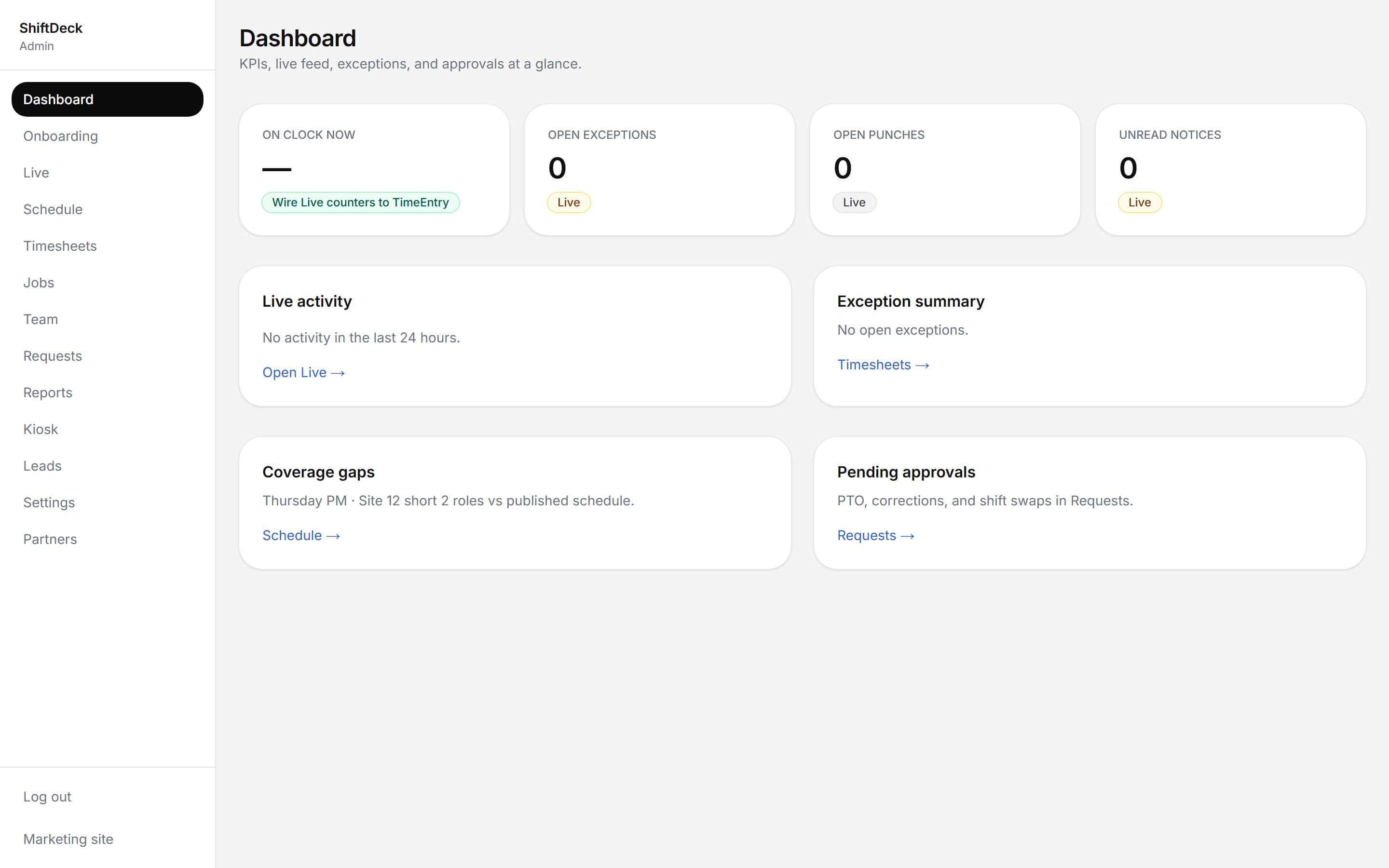
One screen shows who is on the clock, who is on break, and where exceptions fired. A cleaning crew owner with eight technicians across town can see every active site without making a single phone call.
See the details → - Step 3
Schedules are built and published
Drag shifts on a week board, layer in availability and conflict detection, then push-publish to phones. Open shifts go to anyone qualified — first to claim wins. A restaurant GM can post Saturday brunch coverage in under two minutes.
See the details → - Step 4
Time is reviewed and approved
Timesheets surface exceptions first — missed punches, early clock-outs, geofence flags — so you fix problems through the week instead of discovering them Friday night. Every edit carries who-changed-what history your accountant can audit.
See the details → - Step 5
Payroll export runs cleanly
Hit Export and get a CSV aligned to Gusto, ADP, Paychex, or QuickBooks Online Payroll. Approval filters ensure only reviewed time makes it into the file. One field-service owner told us it cut his Friday payroll routine from 90 minutes to 12.
See the details → - Step 6
Optional kiosk mode for shared devices
Mount a tablet at the front of house or the job-site office. Employees punch in with a PIN; managers unlock admin views with a separate code. No personal phones required — works well for kitchens, warehouses, and retail counters.
See the details →
Built for the way you already work
Whether your crew is behind a counter, across town, or spread across three job sites — the loop is the same.
Kiosk by the kitchen door, schedule published to phones, tip-pool hours calculated automatically.
Job-site geofences, offline punches that sync later, labor costs broken out by cost code.
Per-account geofences, real-time crew map, same-day dispute resolution instead of payroll-Friday surprises.
Common questions
Stop re-keying hours into a spreadsheet
Bring your real crew, your real schedule, and see how much time you get back by the end of week one.
$69/mo · $690/yr · or $499 one-time (first 100 customers only)